

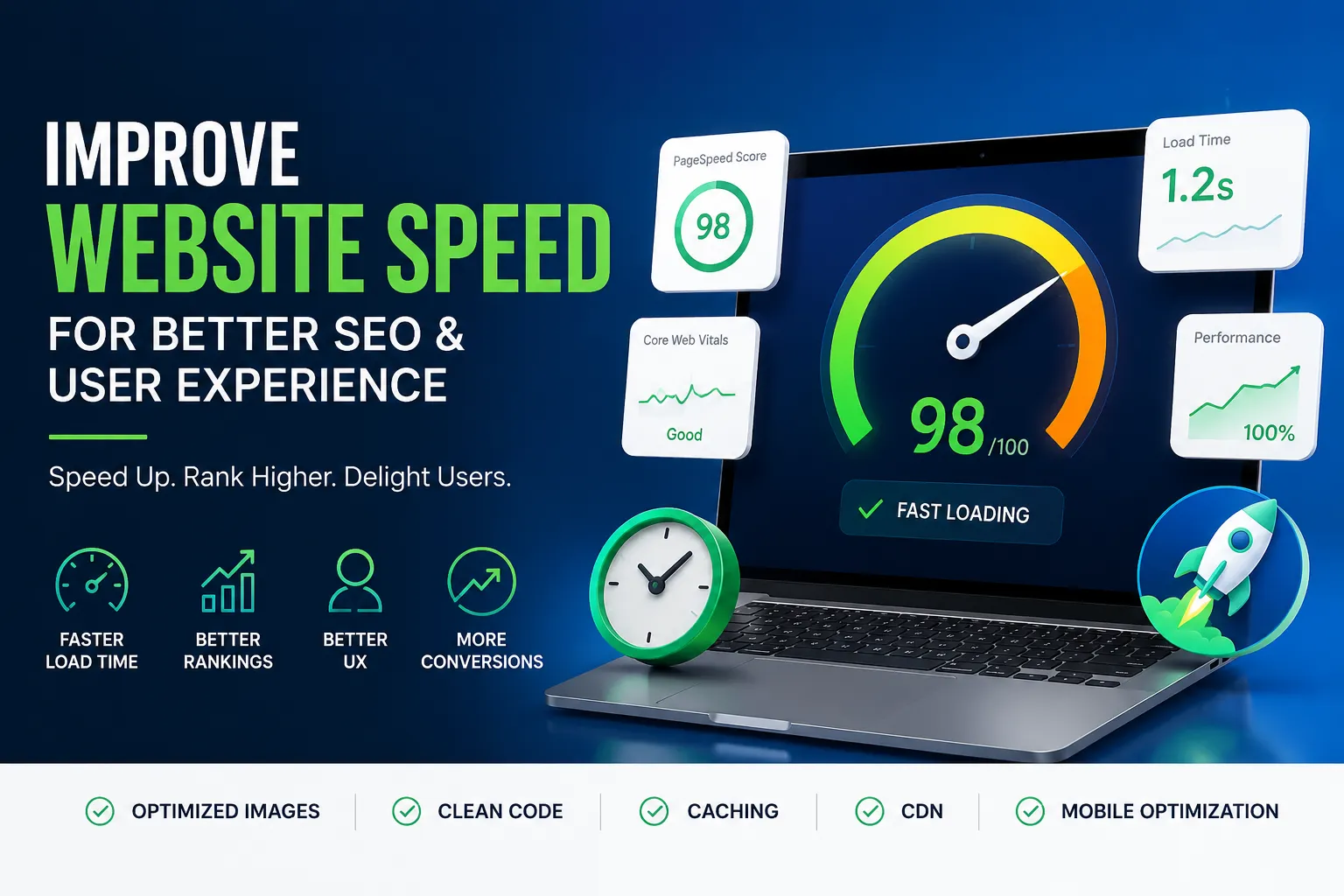
How to Improve Website Speed for Better SEO and UX
Table of Contents
How to Improve Website Speed for Better SEO, User Experience, and Conversions in 2026
Website speed is one of the most important factors affecting SEO, user experience, engagement, and conversions. Modern internet users expect websites to load almost instantly. If a page takes too long to appear, visitors often leave before interacting with the content, products, or services. A slow website creates frustration, damages trust, and reduces the chances of generating leads or sales.
Google has officially confirmed that page speed is a ranking factor, especially for mobile search results. Search engines prioritize websites that provide smooth, fast, and user-friendly experiences because they want users to access information quickly and efficiently. Websites that perform well technically often achieve better rankings, stronger engagement metrics, and higher conversion rates.
A fast website improves far more than loading times. It creates a better overall experience for visitors. Users stay longer, browse more pages, interact with content more comfortably, and are more likely to contact your business, subscribe to your newsletter, or purchase your products.
Website speed optimization is no longer just a technical task for developers. It is now a critical part of digital marketing, SEO strategy, mobile usability, and conversion optimization. Businesses that ignore website performance often lose traffic, visibility, and revenue to faster competitors.
At the same time, website speed and user experience work together closely. A website can look visually attractive, but if it loads slowly or behaves poorly on mobile devices, users will still leave quickly. Successful websites combine strong performance with excellent UX design to create smooth, seamless digital experiences.
For businesses that rely on online visibility, website speed optimization should be treated as a long-term growth strategy rather than a one-time technical fix.
What Is Website Speed Optimization?
Website speed optimization is the process of improving how quickly website pages load and how efficiently a website performs across different devices, browsers, and internet connections. The goal is to create a website that feels fast, responsive, stable, and easy to use.
Website optimization includes several important areas, including:
- Image optimization
- Code optimization
- Mobile responsiveness
- Browser caching
- Server performance
- User experience improvements
- Technical SEO
- Core Web Vitals optimization
- Content structure improvements
Website speed optimization also focuses on reducing friction throughout the user journey. Visitors should be able to access information quickly, navigate smoothly, and interact with the website without delays or frustration.
A properly optimized website should:
- Load within a few seconds
- Work smoothly on smartphones and tablets
- Respond quickly to interactions
- Avoid visual glitches during loading
- Display readable and accessible content
- Provide smooth navigation experiences
Optimization is not a one-time process. Websites require ongoing monitoring, maintenance, updates, and improvements to maintain strong performance over time as technologies and search engine algorithms evolve.
How Website Speed Impacts SEO
Google Uses Speed as a Ranking Signal
Google wants users to have the best possible browsing experience. Fast websites help deliver that experience, which is why page speed has become an important ranking factor.
A slow website can negatively affect SEO in several ways:
- Increased bounce rates
- Reduced user engagement
- Lower session duration
- Poor mobile usability
- Weak Core Web Vitals scores
- Reduced crawl efficiency
When users leave a website quickly because it loads slowly, search engines interpret that behavior as a negative quality signal. Fast websites typically generate stronger engagement metrics, which can improve search visibility.
Search engines also crawl faster websites more efficiently. If your website loads slowly, search engines may crawl fewer pages, reducing indexing opportunities.
Understanding Core Web Vitals
Google introduced Core Web Vitals to measure real-world website performance and user experience.
Core Web Vitals focus on three primary metrics:
Largest Contentful Paint (LCP)
Largest Contentful Paint measures how quickly the largest visible element loads on the screen.
Examples include:
- Hero images
- Featured banners
- Large text blocks
- Main content sections
Google recommends keeping LCP under 2.5 seconds.
Slow LCP scores create poor first impressions and increase abandonment rates.
Interaction to Next Paint (INP)
INP measures how quickly a website responds when users interact with it.
This includes actions such as:
- Clicking buttons
- Opening menus
- Typing into forms
- Navigating between pages
Poor responsiveness creates frustrating browsing experiences.
Fast interaction speeds improve usability and engagement.
Cumulative Layout Shift (CLS)
CLS measures visual stability while pages load.
Poor CLS occurs when page elements move unexpectedly during loading.
Examples include:
- Buttons shifting position
- Images loading late and pushing content
- Text jumping downward
- Popups suddenly appearing
Unexpected movement frustrates users and damages trust.
Stable layouts improve usability and professionalism.
Mobile-First Indexing
Google now primarily evaluates websites based on their mobile versions. This means mobile speed and usability directly impact search rankings.
A mobile-friendly website should:
- Load quickly on smartphones
- Use responsive layouts
- Display readable text
- Avoid horizontal scrolling
- Use touch-friendly navigation
- Minimize intrusive popups
Mobile optimization is now essential for SEO success because most internet traffic comes from mobile devices.
Why Website Speed Matters for User Experience
Users Expect Instant Experiences
Modern users expect websites to load immediately. If pages feel slow, visitors often assume the business is outdated, unreliable, or difficult to work with.
Website speed directly affects first impressions and customer trust.
Fast websites feel:
- Professional
- Modern
- Reliable
- Easy to use
Slow websites create friction and frustration that drive visitors away.
Better UX Improves Engagement
User experience design focuses on making websites easy, intuitive, and enjoyable to use.
Strong UX design helps visitors:
- Navigate easily
- Find information quickly
- Complete actions smoothly
- Understand content clearly
- Stay engaged longer
Website speed is one of the most important parts of UX because performance affects every interaction users have with the site.
Fast websites improve:
- Time on site
- Conversion rates
- Customer satisfaction
- Engagement metrics
- Brand perception
Visitors are far more likely to stay and explore when browsing feels effortless.
First Impressions Happen Quickly
Most users judge websites within seconds of landing on them.
If a website loads slowly or feels confusing, visitors often leave before reading any content.
Fast-loading websites create stronger first impressions because users can immediately interact with content without delays.
Strong first impressions improve:
- Engagement
- Lead generation
- Trust
- Brand authority
Common Reasons Websites Become Slow
Large Image Files
Oversized images are one of the biggest causes of slow-loading websites.
Many websites upload:
- Full-resolution photos
- Large PNG files
- Uncompressed banners
- Heavy background graphics
Large image files dramatically increase page weight and loading time.
Modern image formats such as WebP help reduce file sizes significantly while maintaining quality.
Too Many Plugins
Excessive plugins create unnecessary scripts, stylesheets, and database requests.
Poorly optimized plugins often cause:
- Slow loading
- Script conflicts
- Increased server usage
- Security vulnerabilities
Only essential plugins should remain active.
Weak Website Hosting
Cheap or low-quality hosting negatively affects every part of website performance.
Weak hosting can cause:
- Slow server response times
- Downtime
- Poor scalability
- Traffic-related slowdowns
Reliable hosting significantly improves loading speed, uptime, and overall stability.
Unoptimized Code
Messy or bloated code slows rendering and increases loading times.
Common problems include:
- Unused CSS
- Excessive JavaScript
- Duplicate scripts
- Poorly coded themes
- Heavy animations
Code optimization helps browsers render pages more efficiently.
No Browser Caching
Without browser caching, users must reload website resources during every visit.
Caching stores files locally in the visitor’s browser.
Returning users experience much faster loading speeds because resources do not need to download repeatedly.
Too Many HTTP Requests
Every image, script, stylesheet, and external file creates an HTTP request.
Websites with too many requests load slowly because browsers must fetch large numbers of resources.
Reducing unnecessary requests improves overall performance.
Best Ways to Improve Website Speed
Optimize Images Properly
Image optimization is one of the most effective website speed improvements.
Best practices include:
- Use WebP image format
- Compress images before uploading
- Resize images correctly
- Avoid oversized dimensions
- Use responsive image loading
Optimized images reduce page weight dramatically while maintaining visual quality.
Enable Lazy Loading
Lazy loading delays loading images and videos until users scroll near them.
Benefits include:
- Faster initial loading
- Reduced bandwidth usage
- Better mobile performance
- Improved user experience
Lazy loading works especially well for:
- Blog posts
- Portfolio pages
- Landing pages
- E-commerce websites
Use Browser Caching
Browser caching stores website resources locally inside users’ browsers.
Benefits include:
- Faster repeat visits
- Reduced server load
- Improved loading times
- Better overall performance
Caching significantly improves user experience for returning visitors.
Minify CSS, HTML, and JavaScript
Minification removes unnecessary spaces and characters from code files.
Smaller files load faster and improve rendering performance.
Files commonly minified include:
- CSS
- JavaScript
- HTML
Minification helps reduce overall page weight.
Upgrade Website Hosting
Reliable hosting improves:
- Speed
- Stability
- Scalability
- Server response times
- Security
Managed hosting solutions often provide significantly better performance than cheap shared hosting plans.
Hosting quality directly affects every page on the website.
Use a Content Delivery Network (CDN)
A CDN distributes website files across multiple servers worldwide.
Visitors download files from the nearest server location.
Benefits include:
- Faster global loading
- Reduced latency
- Improved scalability
- Better reliability
CDNs are especially useful for websites with international audiences.
Reduce Plugin Usage
Too many plugins create unnecessary performance problems.
Regularly remove:
- Unused plugins
- Duplicate tools
- Heavy plugins
- Poorly optimized plugins
Lightweight websites generally perform much better.
Optimize Fonts and External Scripts
Too many fonts and third-party scripts increase loading time significantly.
Optimization includes:
- Limiting font families
- Reducing font weights
- Removing unused scripts
- Avoiding excessive tracking tools
Reducing external resources improves loading performance.
How to Improve Website UX
Keep Navigation Simple
Users should always understand where they are and where to go next.
Strong navigation includes:
- Clear menus
- Organized categories
- Sticky navigation
- Search functionality
- Logical page structure
Complicated navigation frustrates users and increases bounce rates.
Improve Content Readability
Readable content improves engagement and usability.
Best practices include:
- Short paragraphs
- Clear headings
- Bullet points
- Proper spacing
- Readable font sizes
Large walls of text reduce user engagement.
Use Clear Calls to Action
Strong calls to action guide visitors toward important actions.
Examples include:
- Contact Us
- Get a Quote
- Book a Call
- Learn More
- Start Today
Clear CTAs improve conversions and reduce confusion.
Optimize for Mobile Devices
Most online traffic now comes from smartphones.
Mobile-friendly websites should:
- Use responsive layouts
- Display readable text
- Use touch-friendly buttons
- Avoid excessive popups
- Load quickly
Mobile optimization directly affects both UX and SEO.
Reduce Visual Clutter
Too many animations, banners, and distractions overwhelm visitors.
Clean designs improve:
- Focus
- Navigation
- Readability
- User engagement
Minimalist layouts help users process information more efficiently.
Technical SEO Best Practices
Improve Website Structure
Clear structure improves usability and crawlability.
Best practices include:
- Organized categories
- Logical internal linking
- Descriptive URLs
- Proper heading hierarchy
Well-structured websites perform better for both users and search engines.
Use HTTPS Security
HTTPS protects user data and improves trust.
Google prioritizes secure websites in search rankings.
Security is now a critical part of website optimization.
Create XML Sitemaps
XML sitemaps help search engines discover and index pages efficiently.
Proper indexing improves search visibility.
Fix Broken Links
Broken links damage both user experience and SEO performance.
Regular audits help identify and repair issues quickly.
Best Tools for Website Speed Optimization
Google PageSpeed Insights
Google PageSpeed Insights analyzes website performance and provides optimization recommendations.
It measures:
- Core Web Vitals
- Mobile performance
- Desktop performance
GTmetrix
GTmetrix provides detailed loading reports and identifies performance bottlenecks.
Useful for advanced optimization analysis.
Google Search Console
Google Search Console helps monitor:
- Search visibility
- Core Web Vitals
- Mobile usability
- Crawl errors
Lighthouse
Lighthouse audits:
- Performance
- Accessibility
- SEO
- Best practices
Hotjar and Microsoft Clarity
These tools track user behavior through:
- Heatmaps
- Session recordings
- Scroll tracking
They help identify UX problems affecting conversions.
Website Speed and Conversion Optimization
Faster Websites Generate More Leads
Website speed directly affects conversions.
Fast websites encourage users to:
- Complete purchases
- Submit forms
- Read content
- Explore services
- Trust the brand
Slow websites increase abandonment rates significantly.
Better UX Improves Revenue
Strong user experience improves:
- Customer retention
- Lead generation
- Sales performance
- User engagement
Smooth browsing experiences create better customer journeys and stronger business results.
Common Website Optimization Mistakes
Uploading Huge Images
Large image files dramatically slow websites.
Always compress and resize images properly before uploading.
Ignoring Mobile Optimization
Desktop optimization alone is not enough.
Mobile usability is essential for modern SEO and UX.
Using Too Many Animations
Heavy animations increase loading time and distract users.
Animations should support usability rather than overwhelm visitors.
Installing Excessive Plugins
Too many plugins create performance and security problems.
Only keep essential functionality.
Neglecting Website Maintenance
Websites require ongoing maintenance to maintain strong performance.
Maintenance tasks include:
- Plugin updates
- Theme updates
- Database optimization
- Security monitoring
- Error fixing
Regular maintenance prevents long-term performance issues.
Future Trends in Website Optimization
Website optimization continues evolving rapidly.
Modern trends include:
- AI-driven optimization
- Advanced caching systems
- Faster mobile frameworks
- Server-side rendering
- Edge computing
- Smarter CDNs
Businesses that continuously improve performance gain long-term advantages in SEO, UX, and conversions.
Final Thoughts
Website speed and user experience are now essential parts of online success.
A fast website helps businesses:
- Improve search rankings
- Increase conversions
- Reduce bounce rates
- Improve engagement
- Build trust
- Generate more leads
At the same time, strong UX design ensures visitors can navigate smoothly and complete actions easily.
Businesses that prioritize website speed optimization consistently outperform slower competitors online.
Optimization should never be treated as a one-time task. Continuous monitoring, testing, and improvements help websites remain competitive, user-friendly, and search-engine optimized over the long term.
Strong website performance creates better experiences for users, stronger visibility in search engines, and better opportunities for business growth.